 Kurt Sels
Updated :
Kurt Sels
Updated :
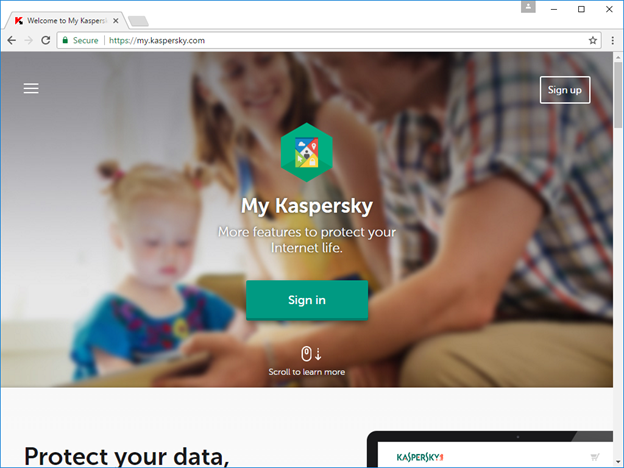
Go to https://my.kaspersky.com/?domain=mykaspersky.com and click on Register to make a new account or log in if you have an existing account.
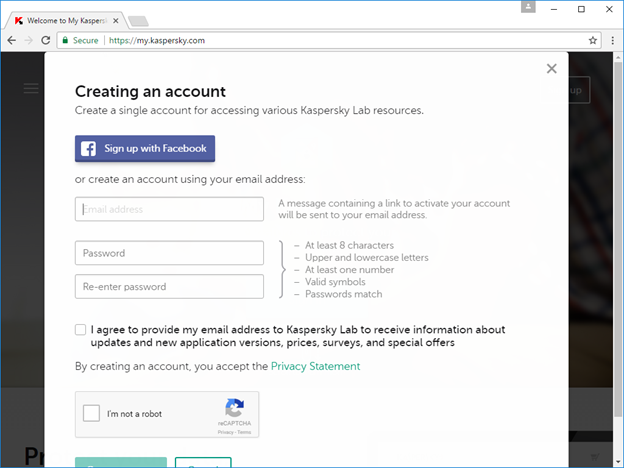
Enter your login.
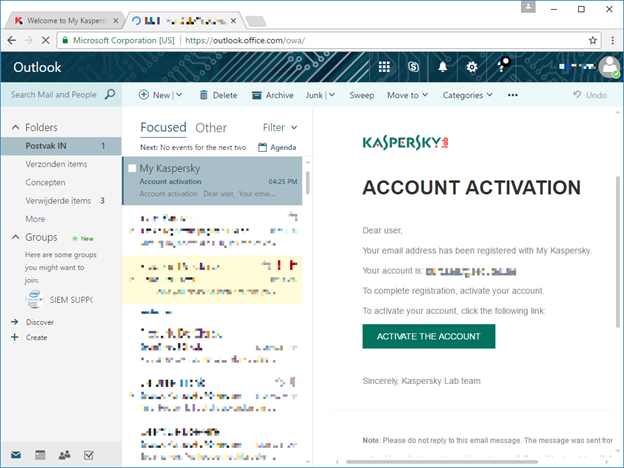
You will receive a mail to activate your account. Follow that link to confirm.
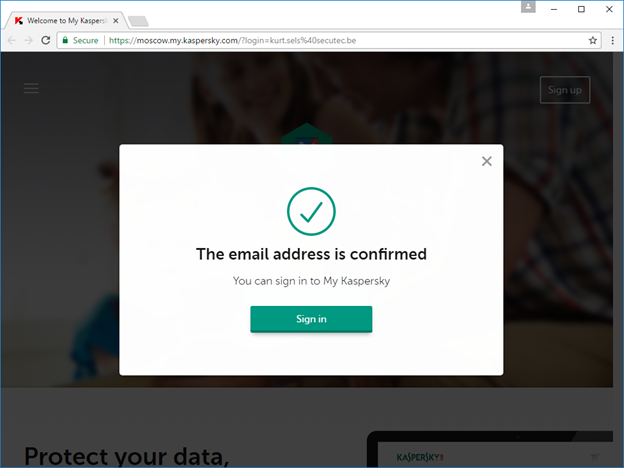
Log in.
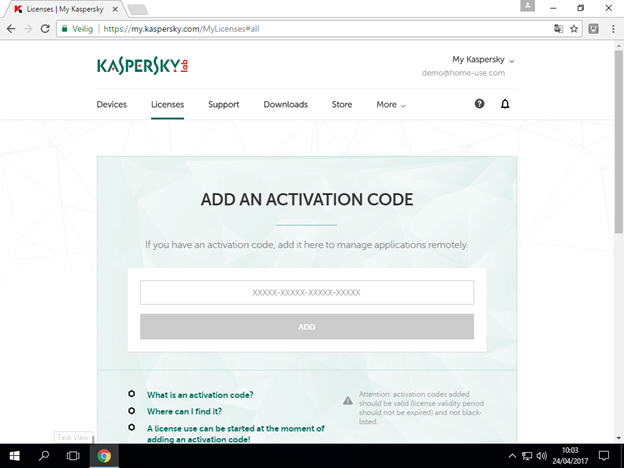
Go to Licenses and enter your activation code.
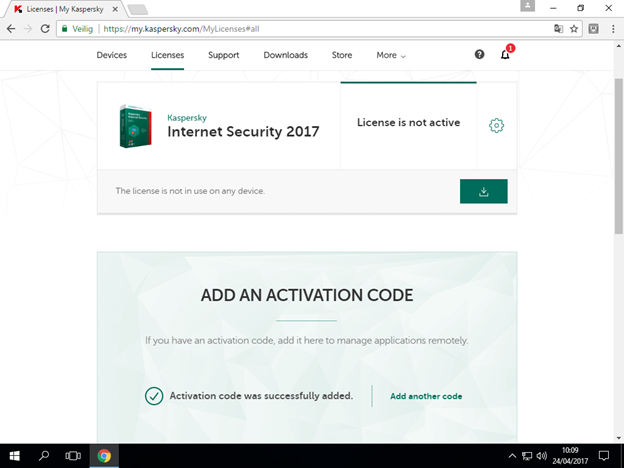
The product has been activated and is ready to download.
A video on YouTube on how to install and register Kaspersky:
https://youtu.be/tWT3DZjZAr8