 Kurt Sels
Updated :
Kurt Sels
Updated :
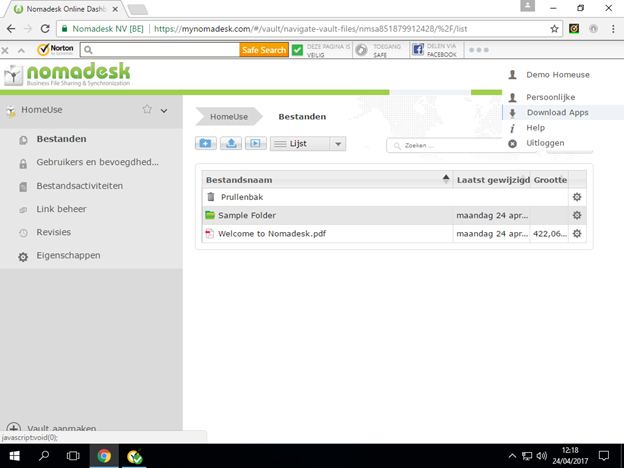
Log in and click on your profile > Download Apps.
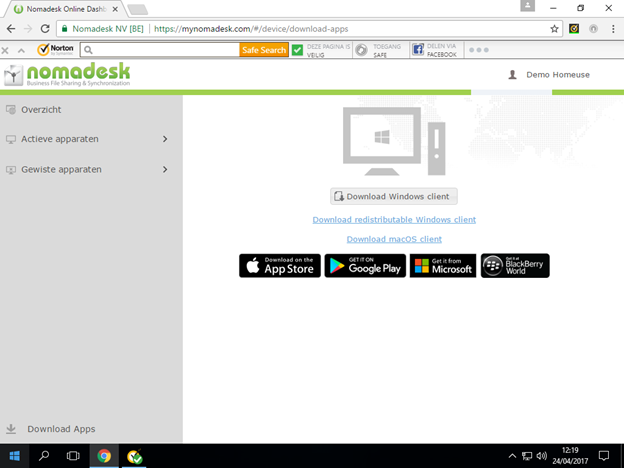
Click Download Windows client.
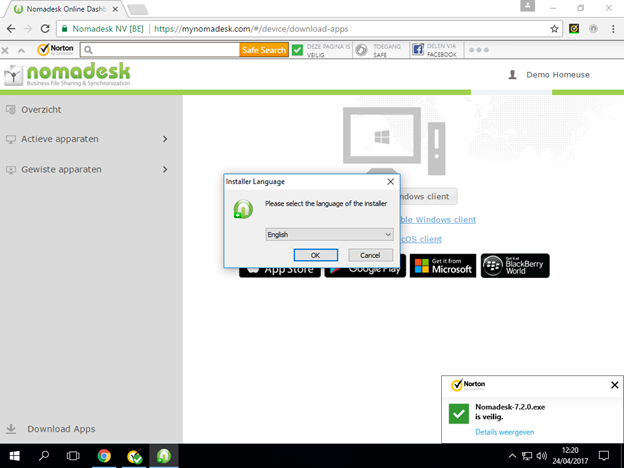
Execute the download and choose your language.
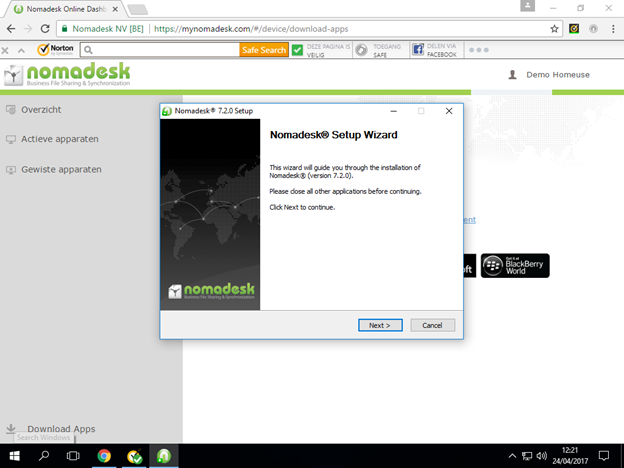
Click Next.
Choose the where you want to install the program and click next.
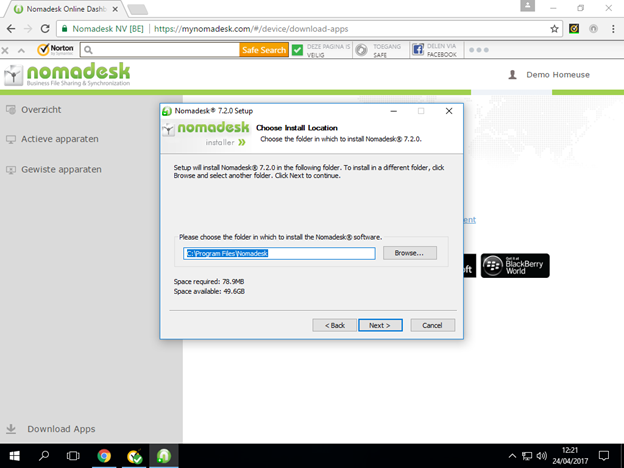
Click Next.
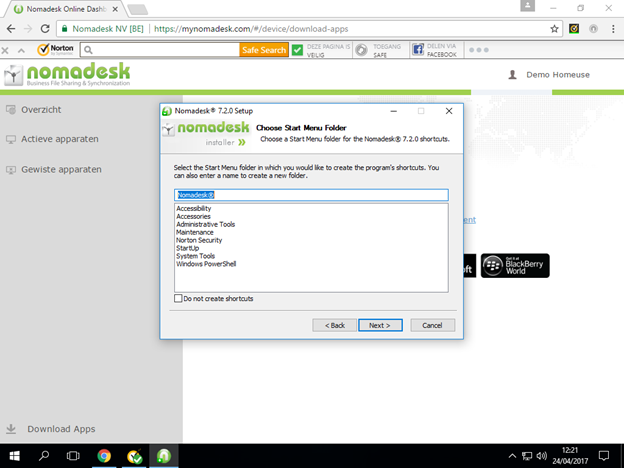
Click Install.
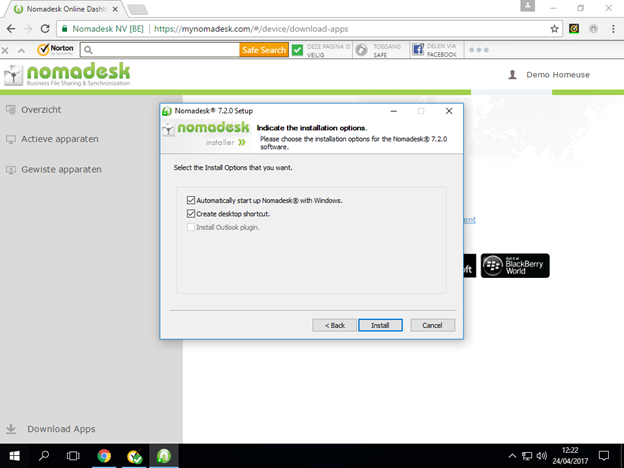
Click finish to restart the computer.
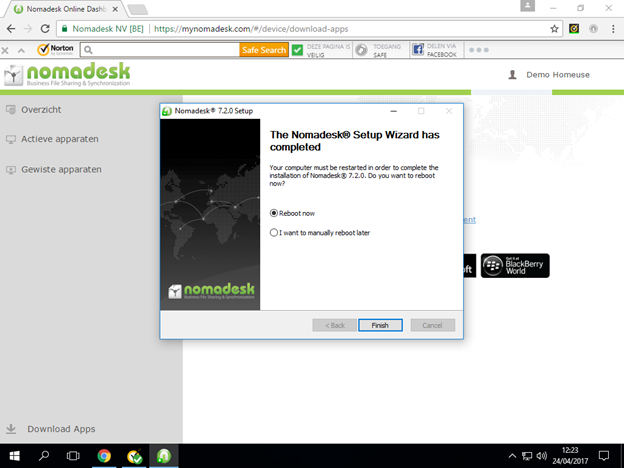
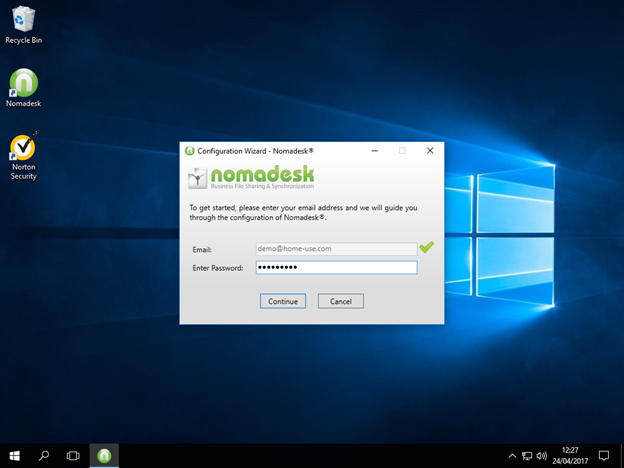
Log in with your account.
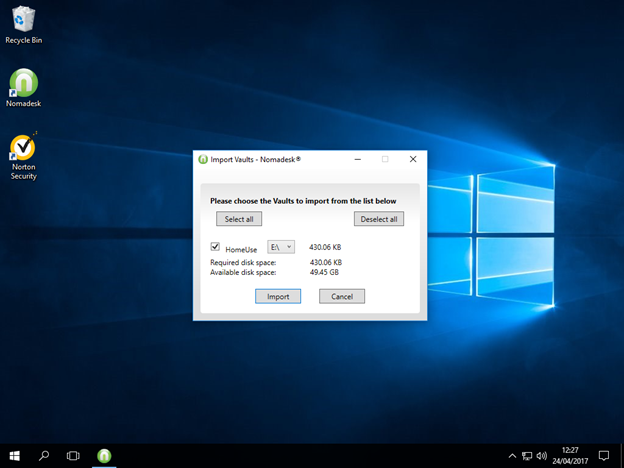
Choose which vaults you want to import.
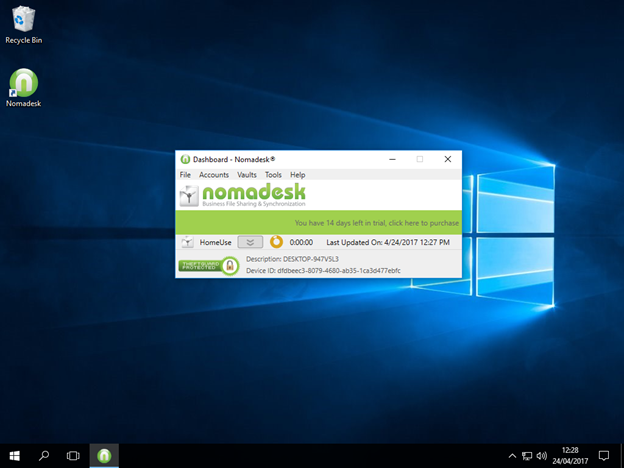
The installation is complete.
Comments