 Kurt Sels
Updated :
Kurt Sels
Updated :
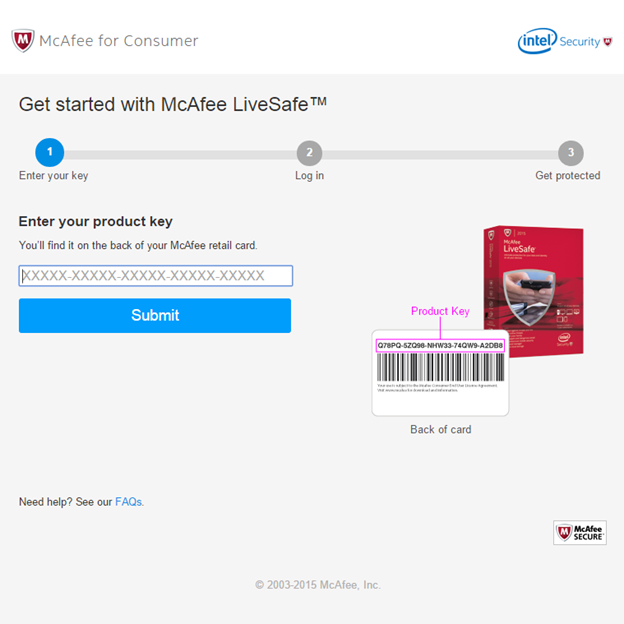
- Go to https://www.mcafee.com/mls/retailcard and fill in your purchased product key, click on “submit”.
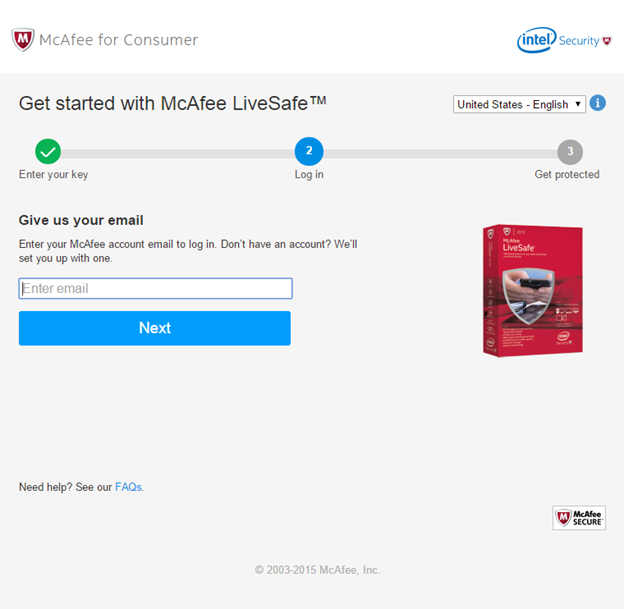
- Enter your McAfee account email to log in. If you don’t have an account you can set up one now.
(Choose another language if needed)
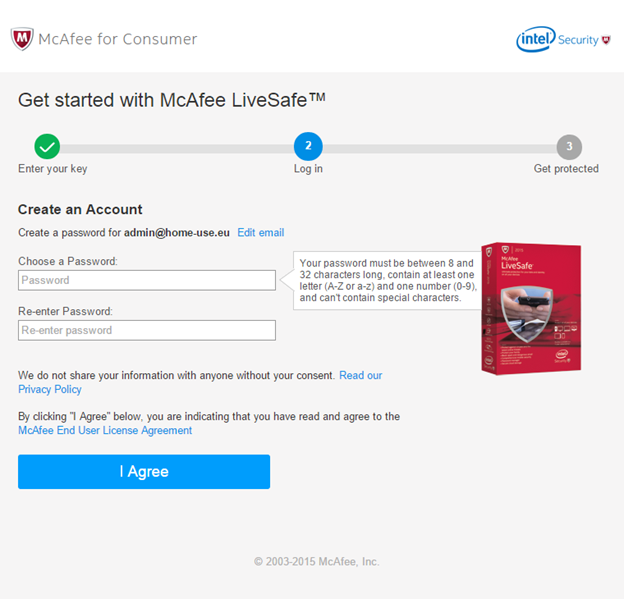
- Create a password for your account and click “I agree”.
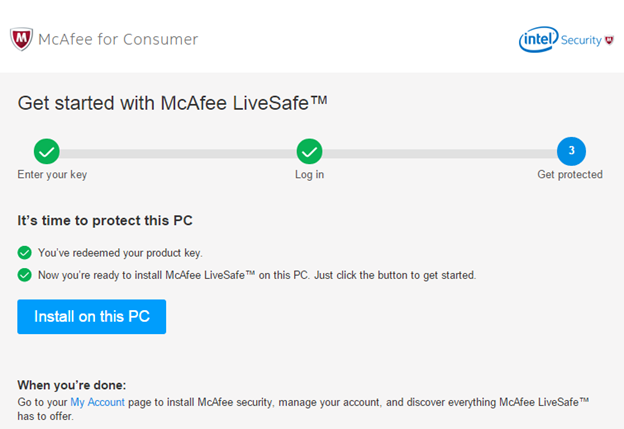
- Click on “install on this PC”, when you are done go to “my account” or visit mcafee.com and login.
Comments