 Kurt Sels
Updated :
Kurt Sels
Updated :
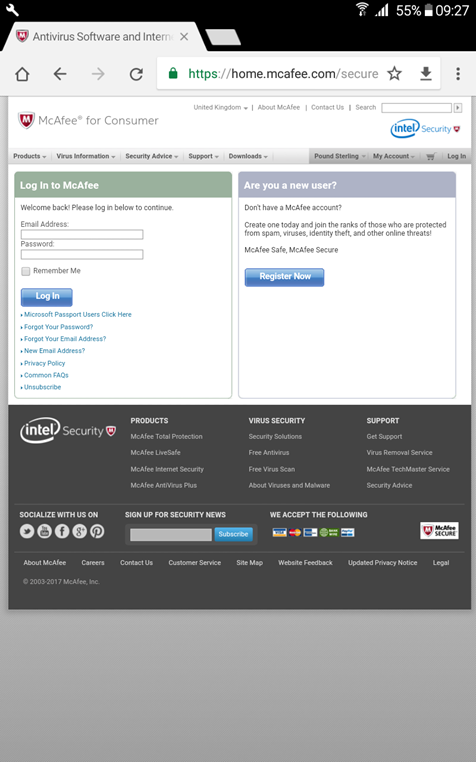
On your device browse to https://home.mcafee.com and log in.
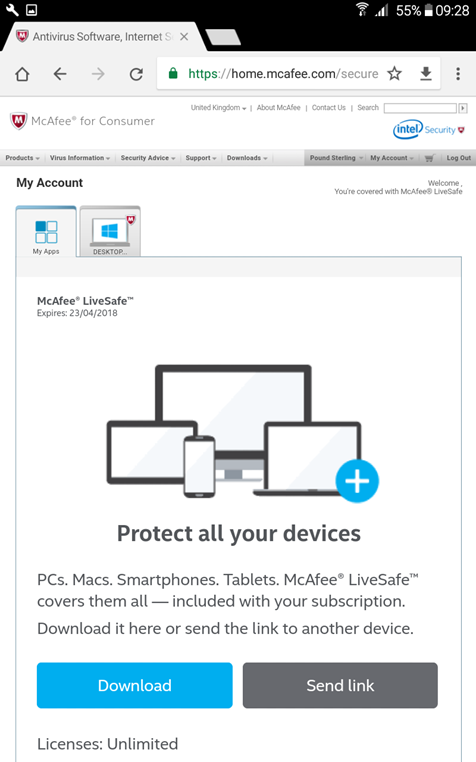
Click Download.
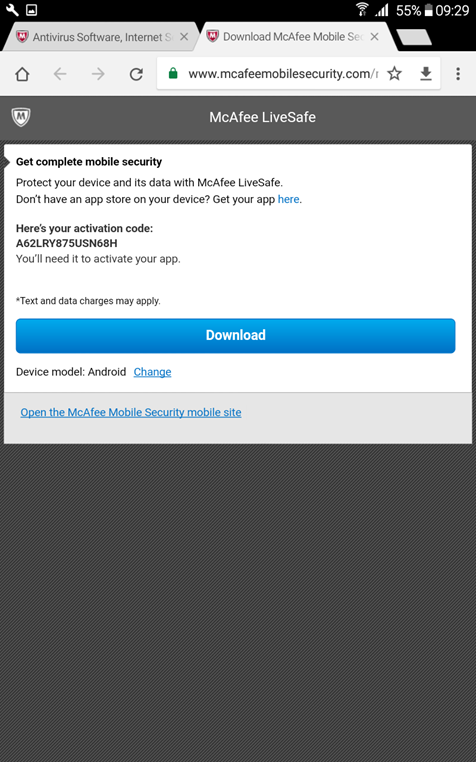
Click Download again making sure the Device Model is Android.
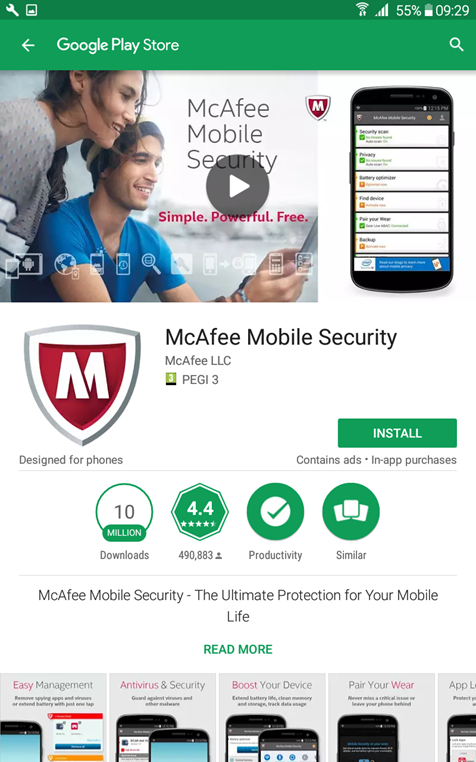
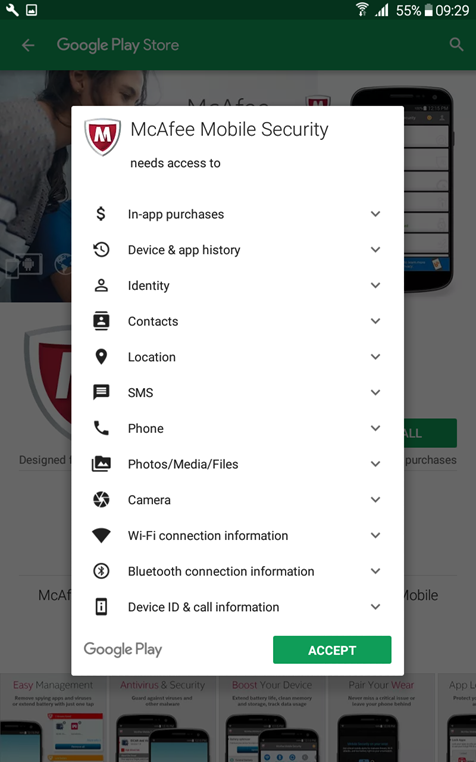
The Google Play Store will be opened. In the Play Store click on Install.
Select Accept.
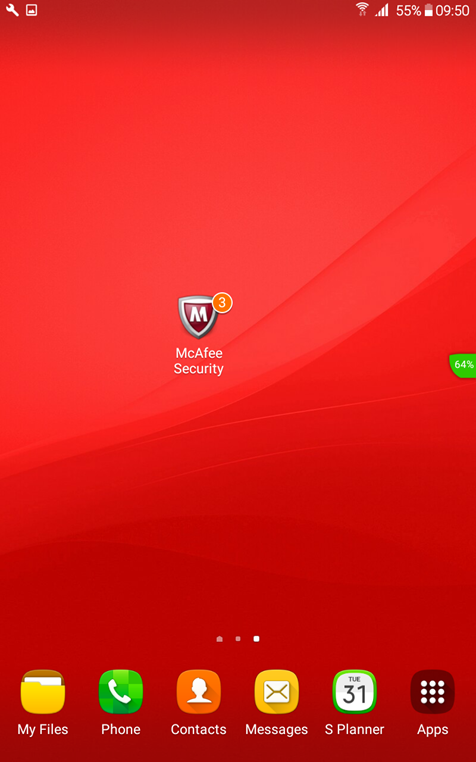
Start the McAfee Security app.
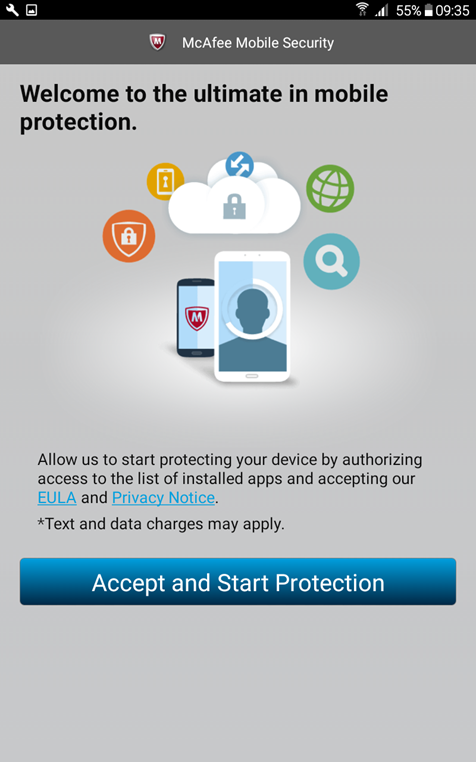
Click on Accept and Start Protection.
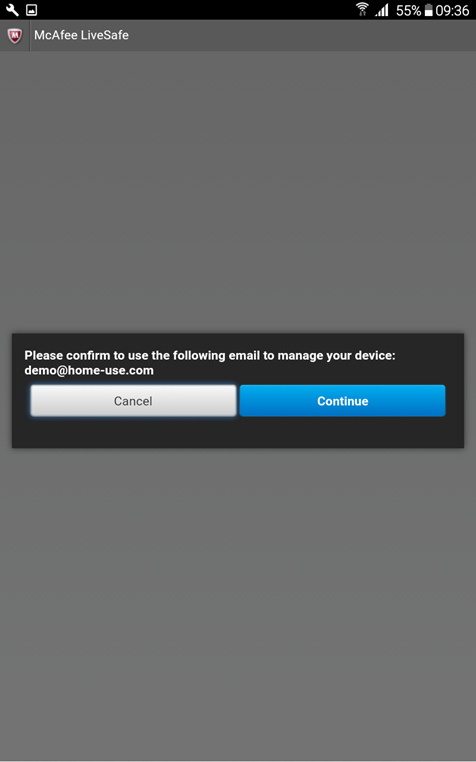
Click Continue to confirm your email.
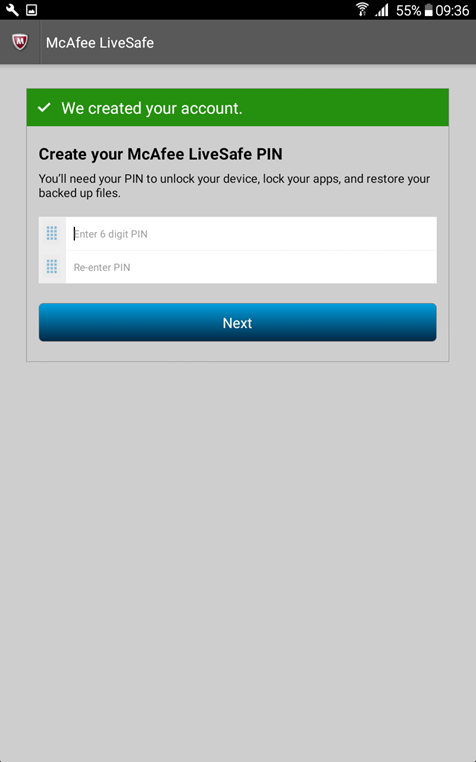
Enter a pin number that will be used in McAfee Security.
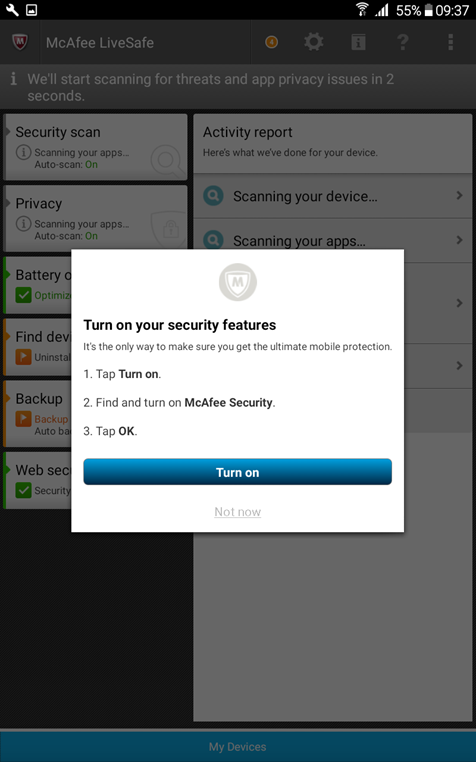
Click Turn On to start the protection.
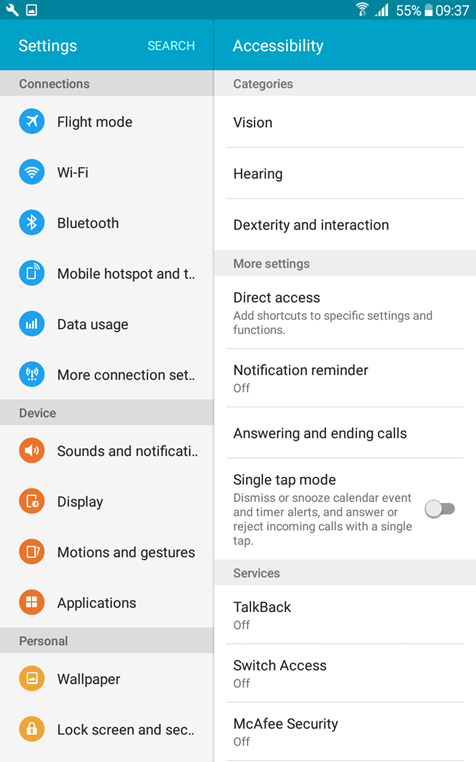
The settings of Android will be opened. Under Services click on McAfee Security.
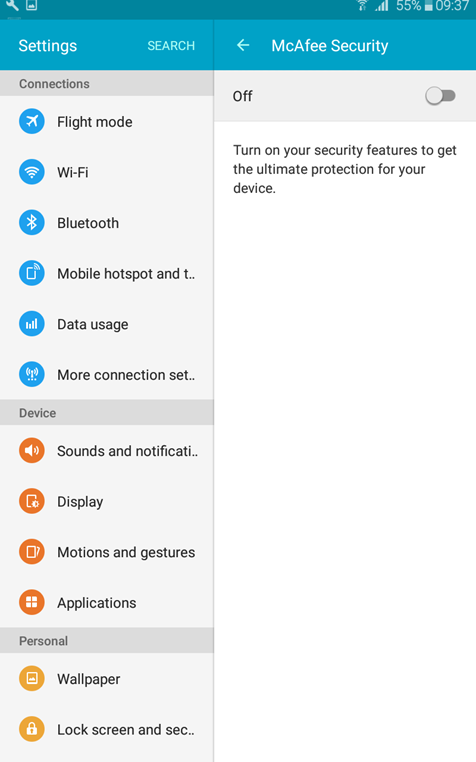
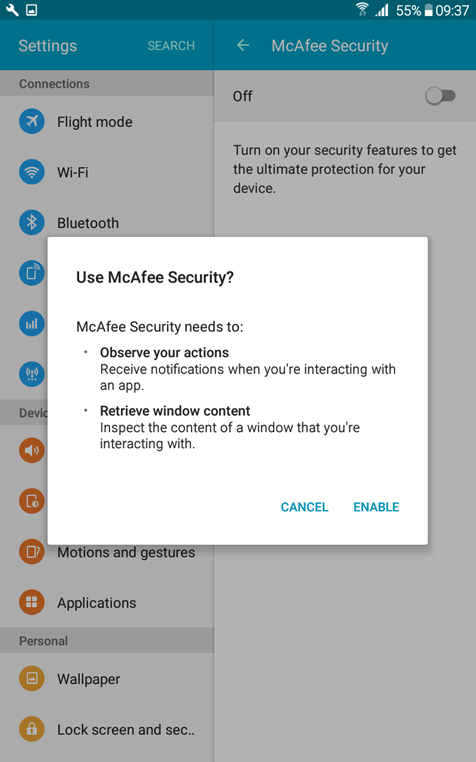
Toggle the McAfee Security switch from Off to On.
Click on Enable.
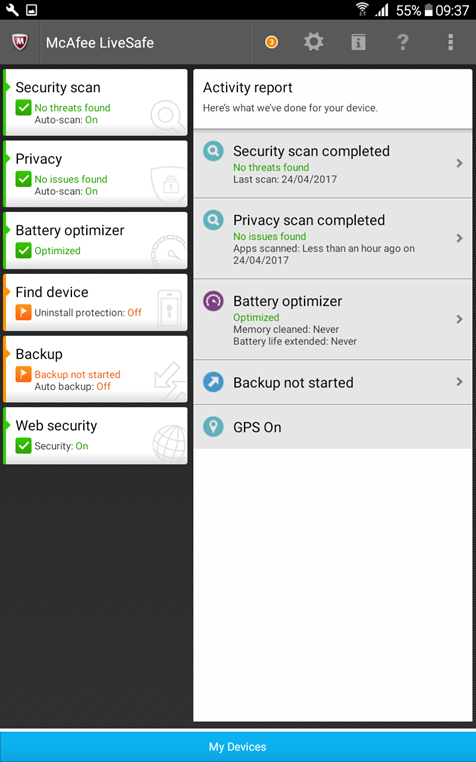
The installation is complete.
Comments