 Kurt Sels
Updated :
Kurt Sels
Updated :
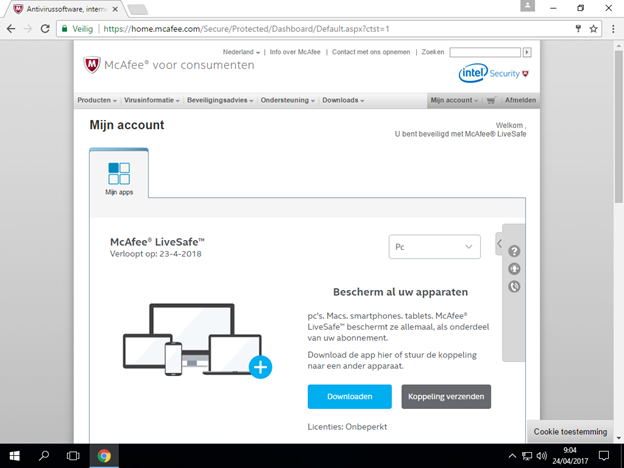
Go to https://home.mcafee.com and log in. Choose the type of device that you would like to protect (Pc) and click Download.
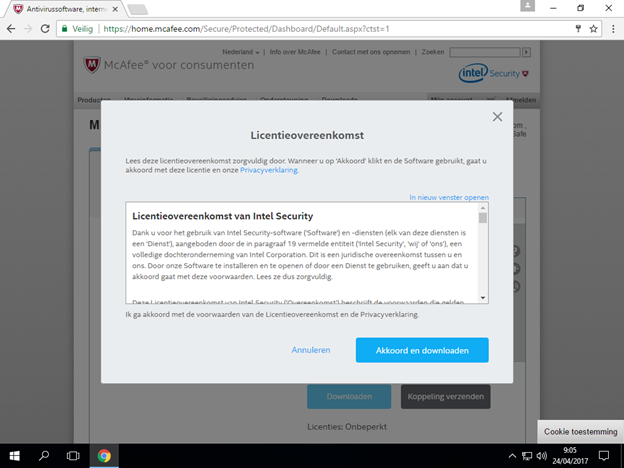
Read the license agreement and click on Agree and Download.
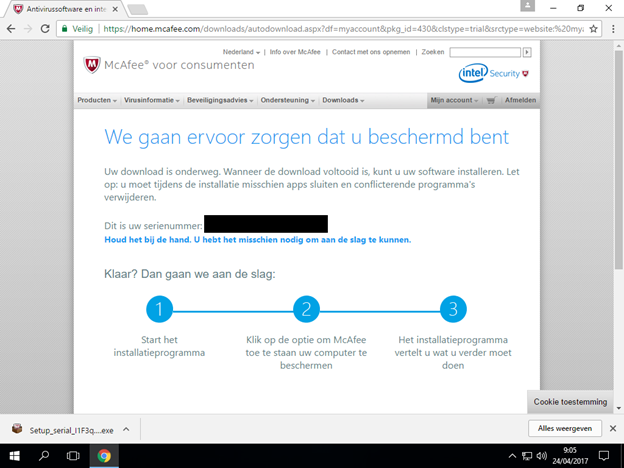
Execute the download.
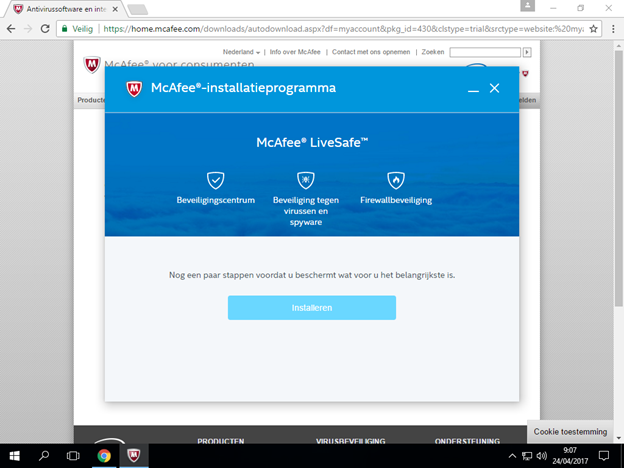
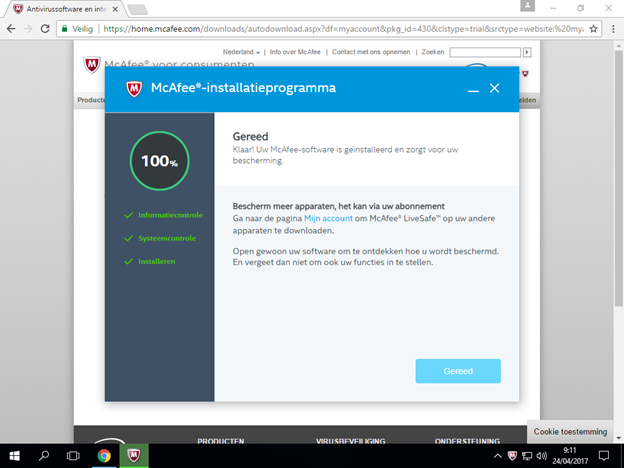
Click on Install.
After the installation click on Ready.
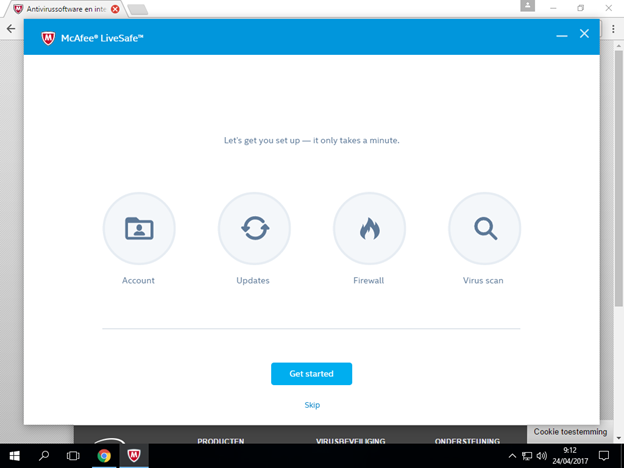
Click on Get Started to start the protection.
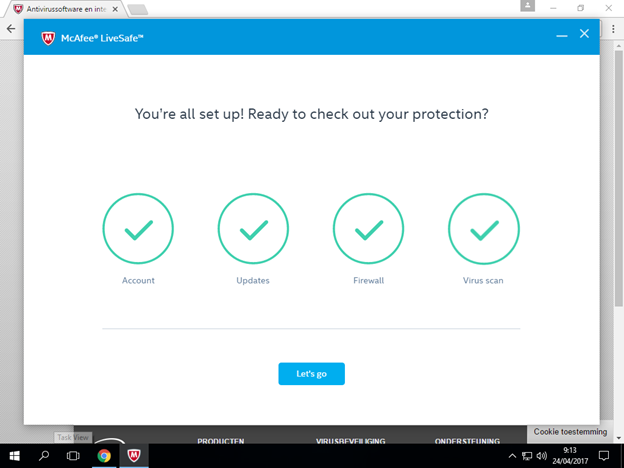
Click on Let’s Go.
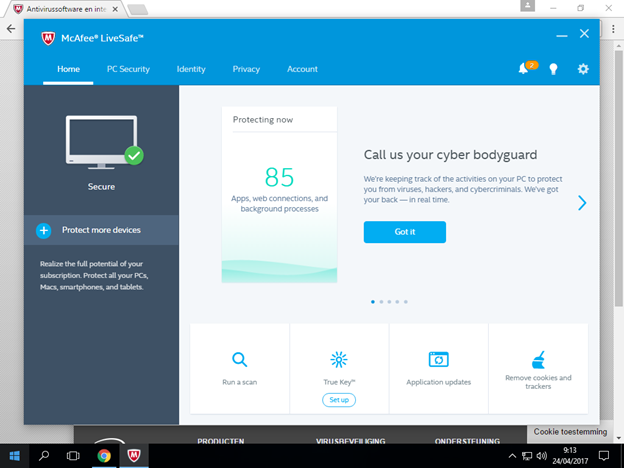
The installation is complete.
Comments