 Kurt Sels
Updated :
Kurt Sels
Updated :
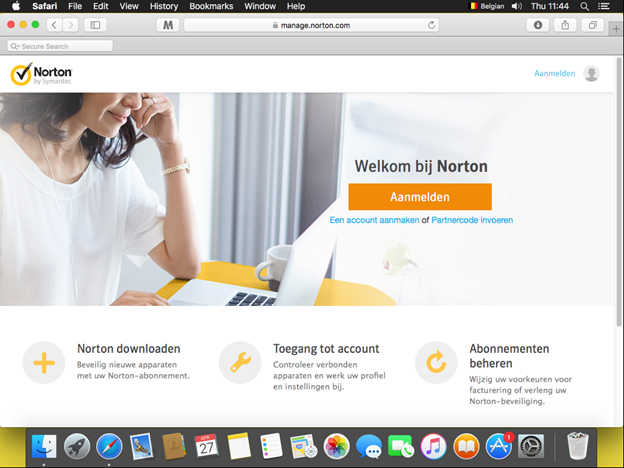
Go to https://manage.norton.com and log in.
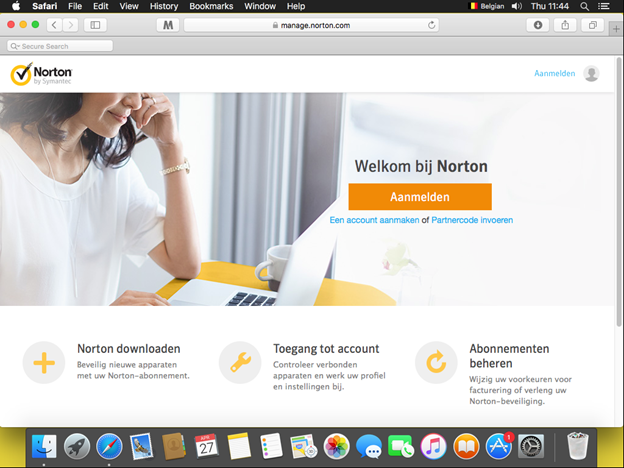
Log in.
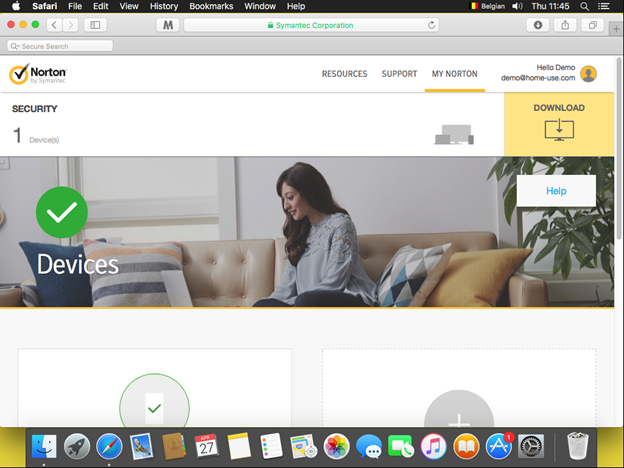
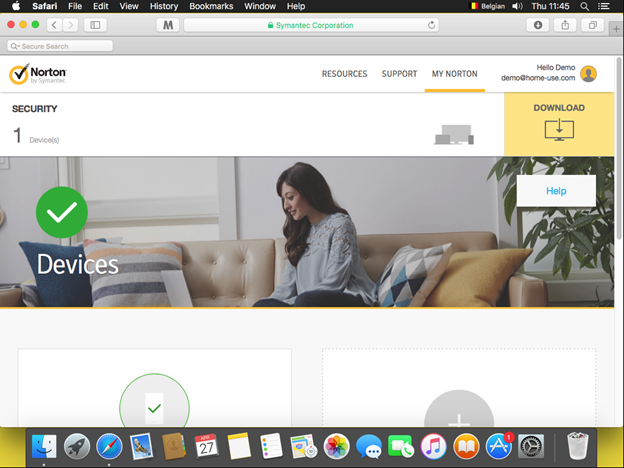
At the top right click on Download.
Click on Agree and Download.
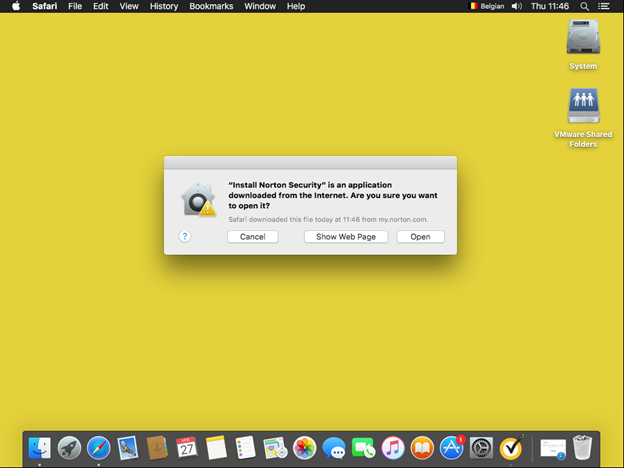
If you get a warning, click on Open.
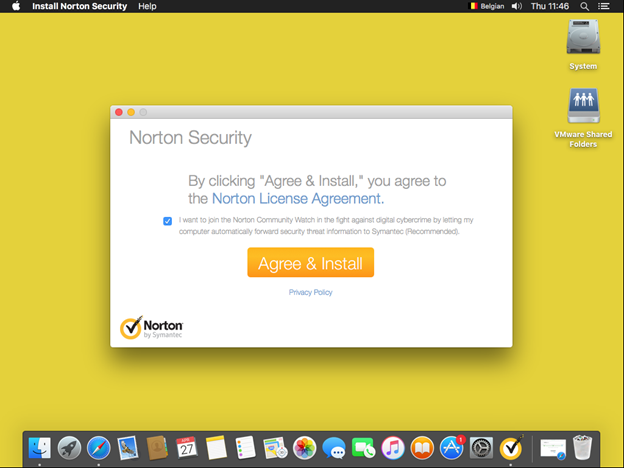
Click on Agree and Install.
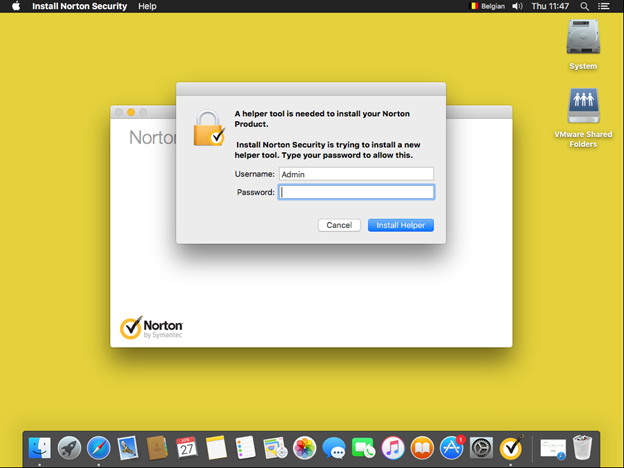
Enter your admin login.
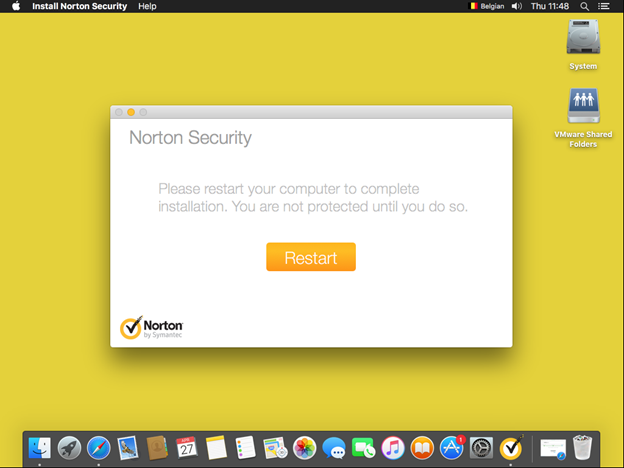
Click on Restart to reboot the computer.
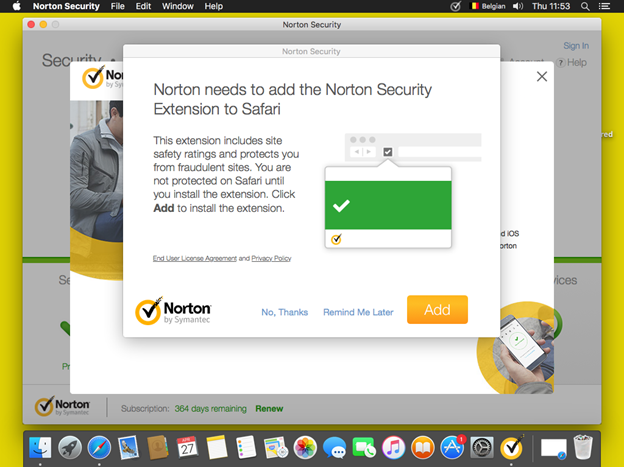
Click after the reboot on Add to add browser protection to Safari.
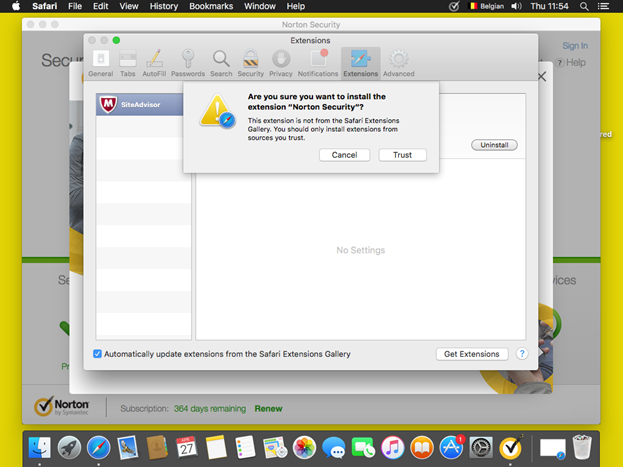
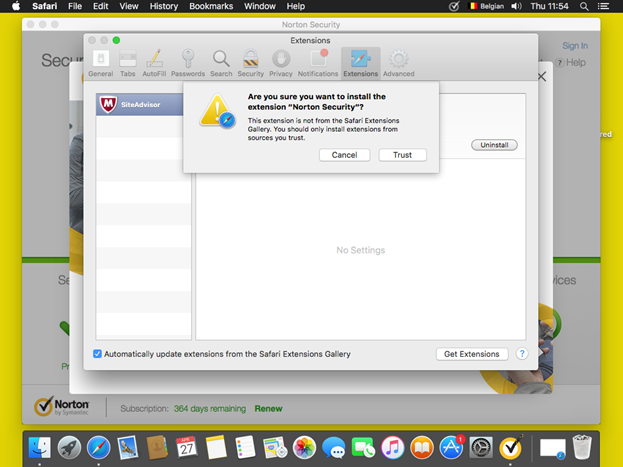
Click on Trust.
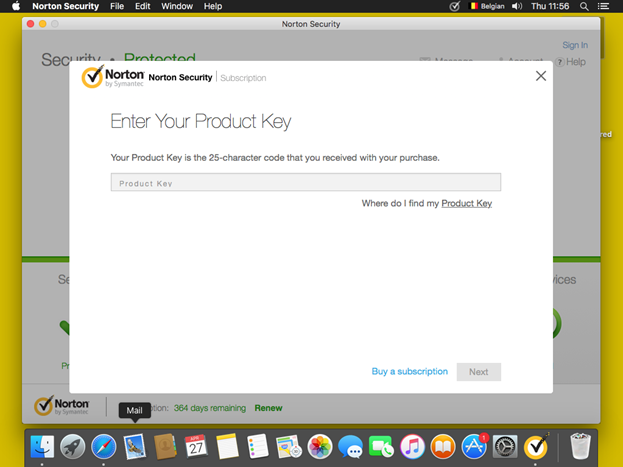
After the installation click next to help on ? > Enter Product Key to complete the registration.
Enter your Product Key.
Comments