 Kurt Sels
Updated :
Kurt Sels
Updated :
Go to https://my.kaspersky.com and click on Sign In.

Log in.

Go to Devices and click on +Protect New Device.
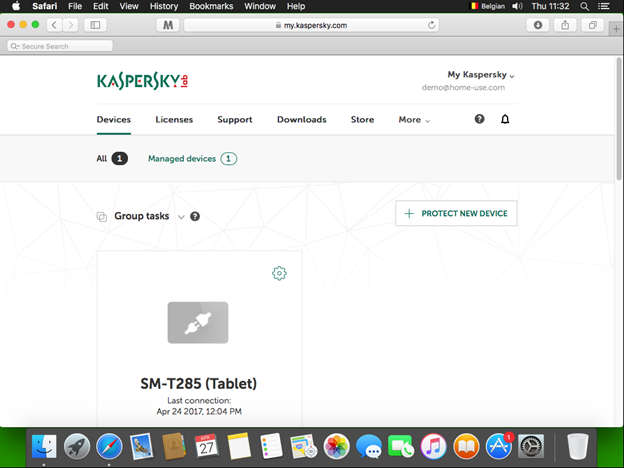
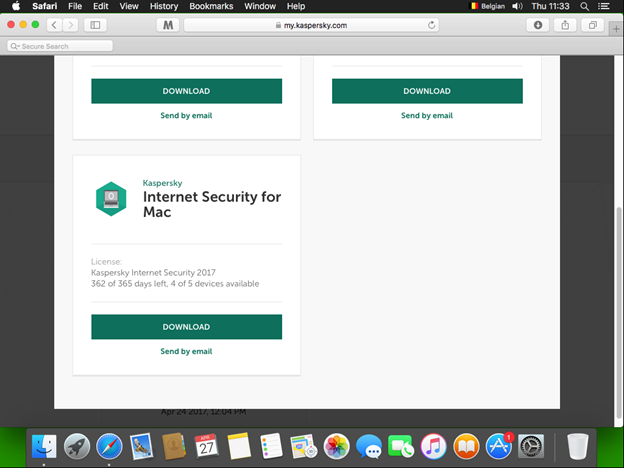
Search for Internet Security for Mac and click on Download.
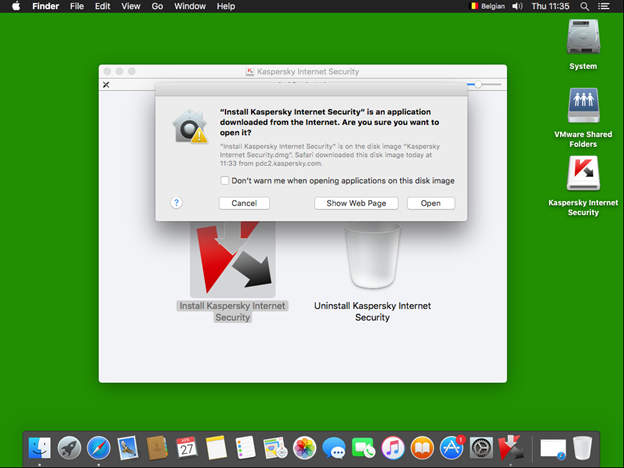
Execute the download and select Install Kaspersky Internet Security.

If you receive a warning, click on Open.
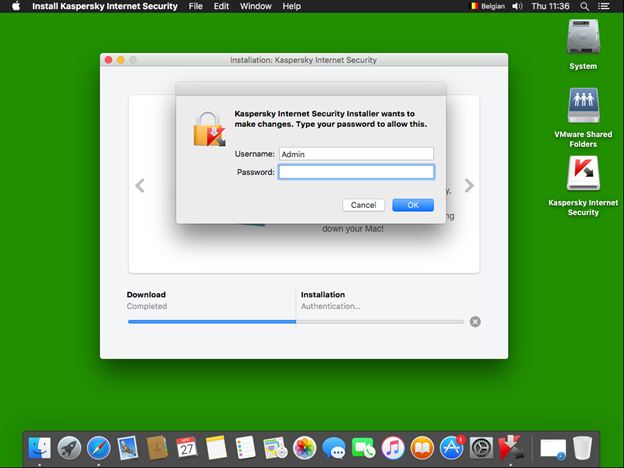
Click on Download and Install.

Enter your Admin login.
After the installation click on Finish.
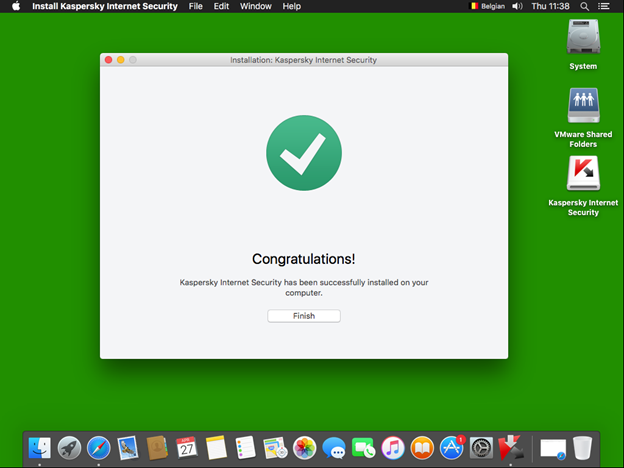
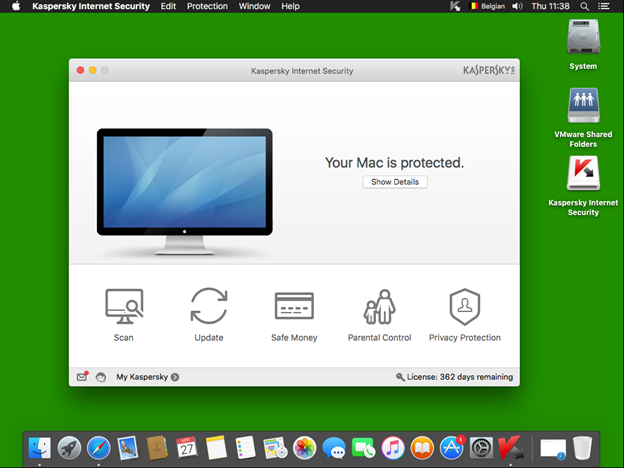
The program has installed.
Comments