 Kurt Sels
Updated :
Kurt Sels
Updated :
Go to https://my.kaspersky.com and log on.

Click on +Protect New Device.
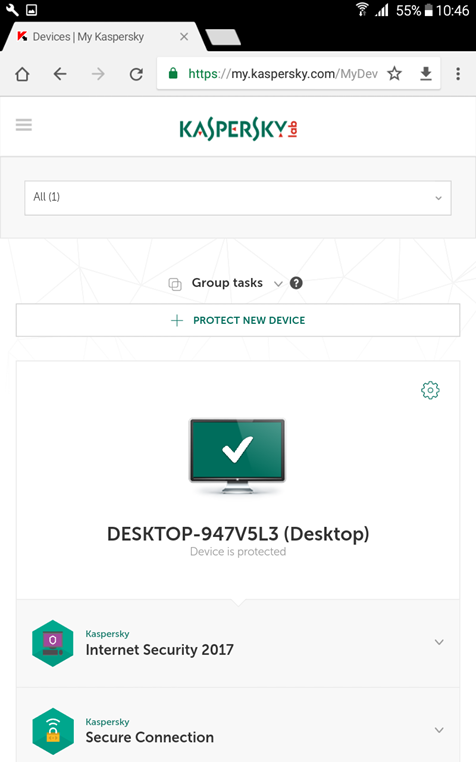
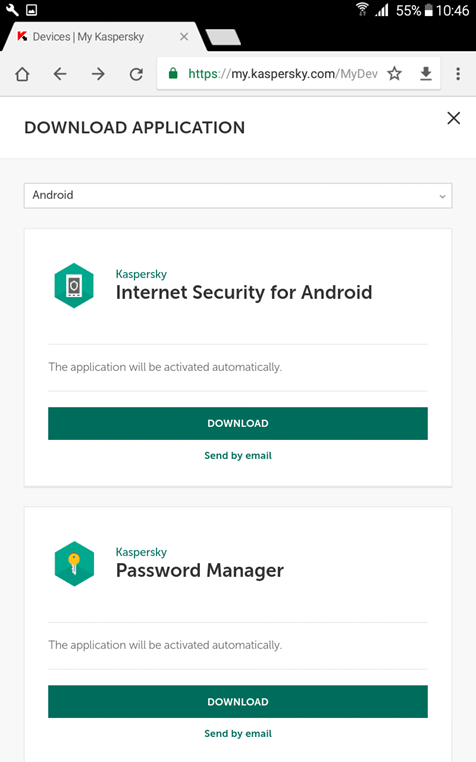
Search for Internet Security For Android and click on Download.
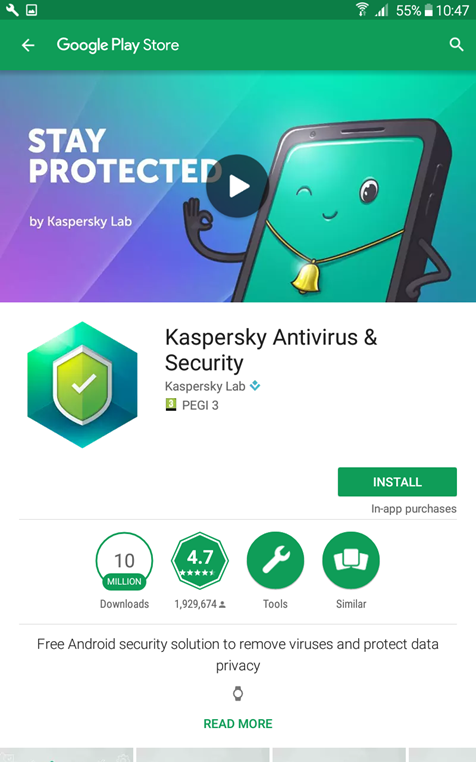
The Google Play Store opens and finds the Kaspersky app, click on Install.
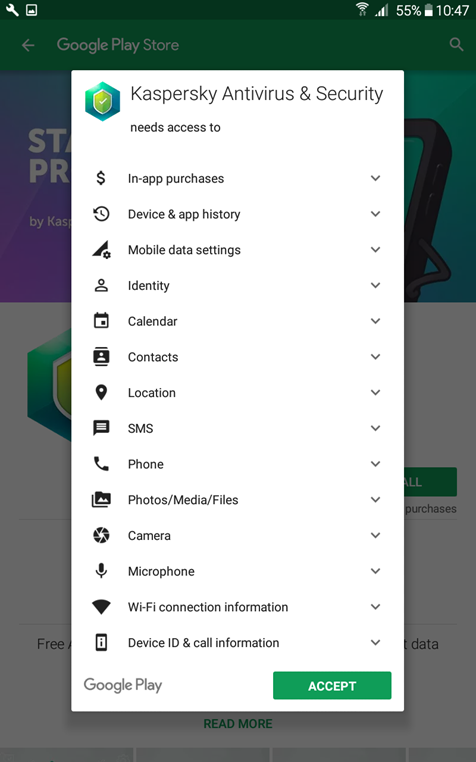
Accept.
Start the Internet Security app after the installation.
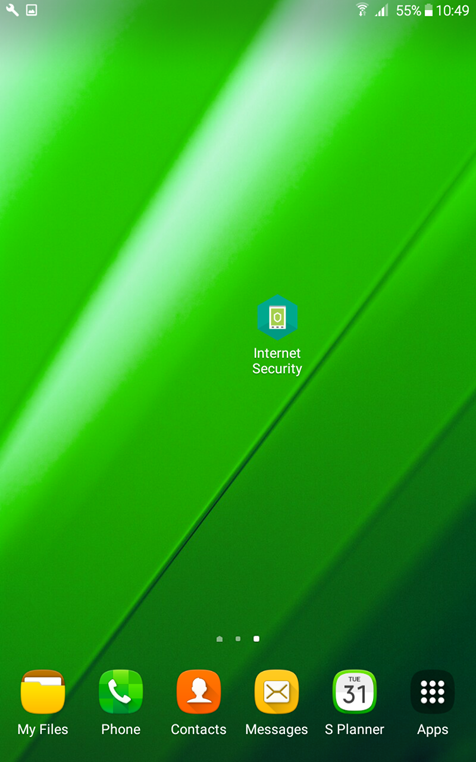
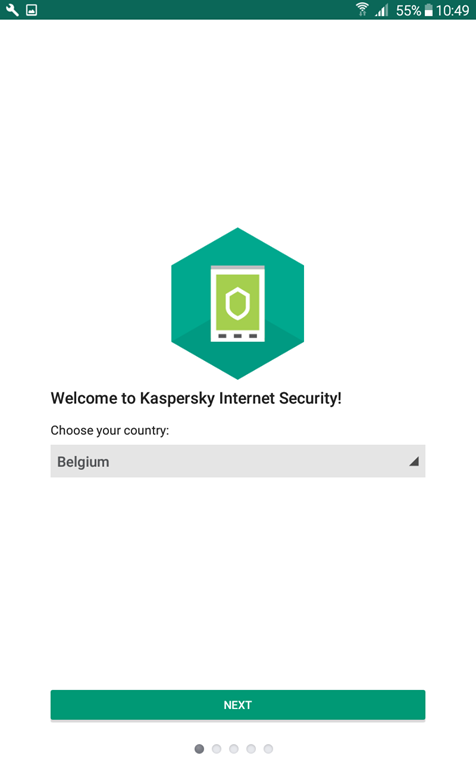
Choose your country and click on next.
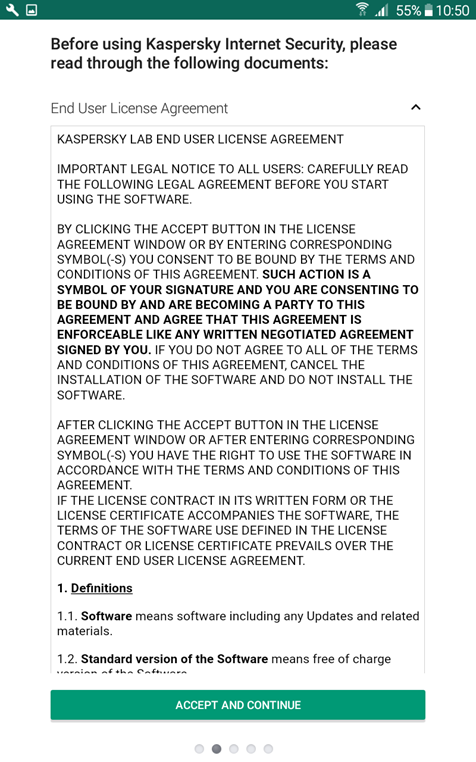
Read the license and Accept.
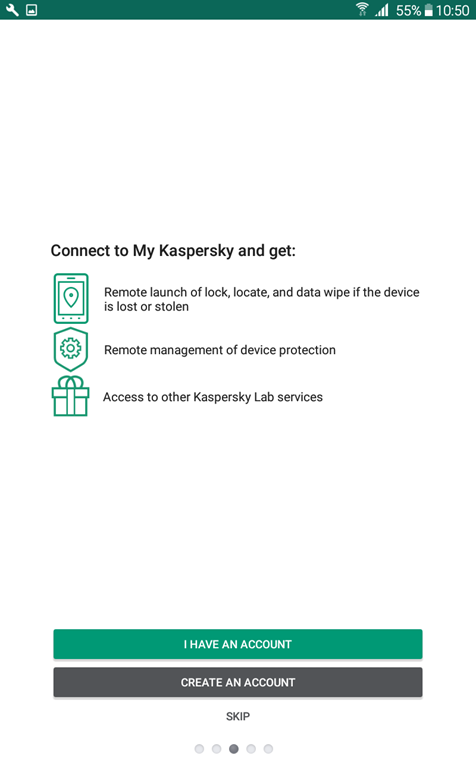
Select I Have An Account to log in.
Enter your account details to log in.
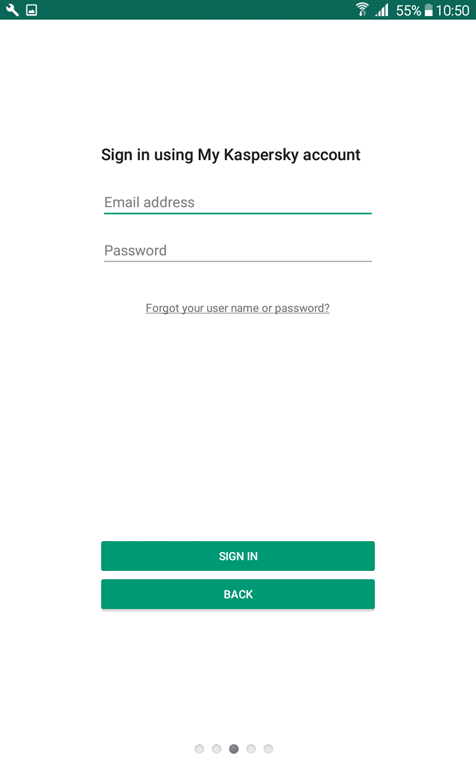
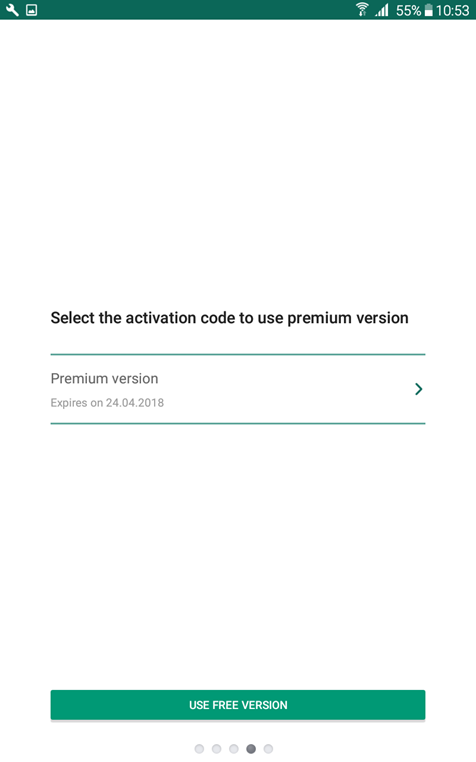
Select the activation code of your product.
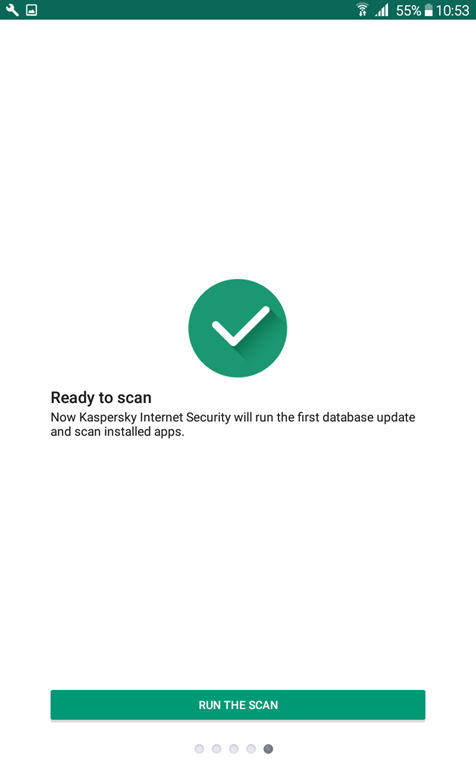
Click on Run The Scan to preform the first scan.
Click on OK or on Recommend Protection to apply the standard protections.
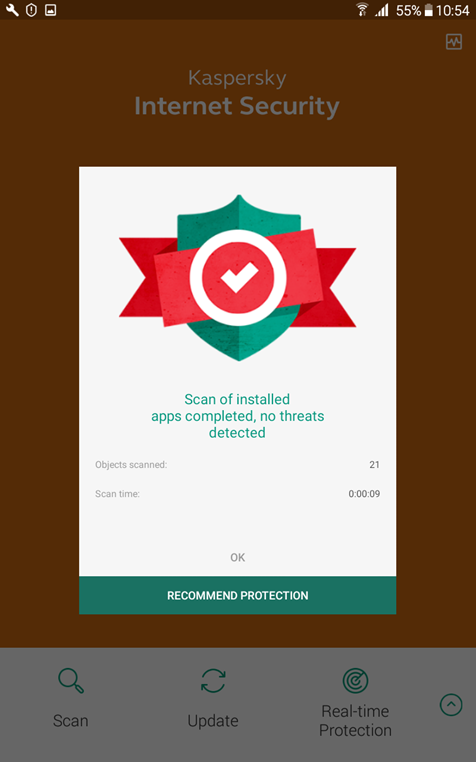
De installation is complete.
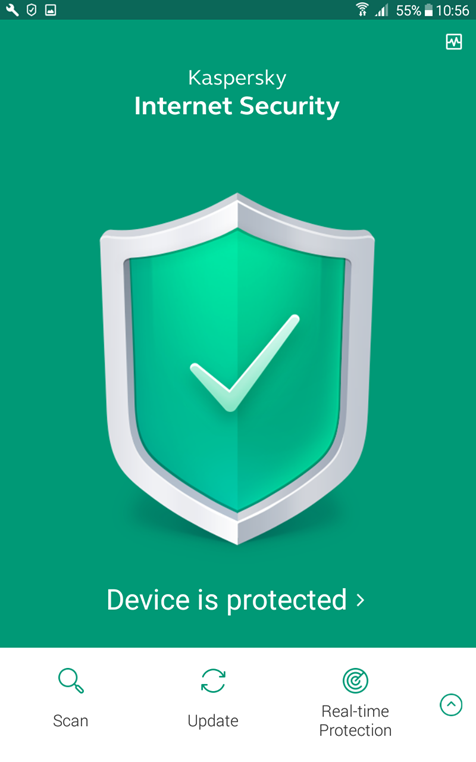
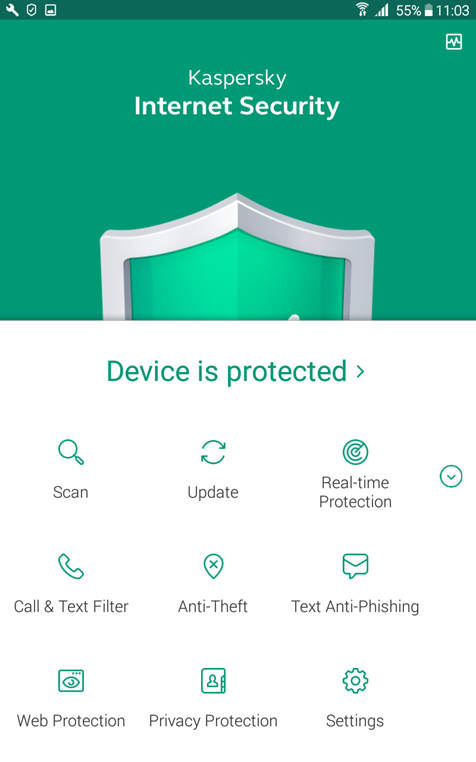
Activate Web Protection to protect your browsers by clicking on the up arrow for more options and on Web Protection.
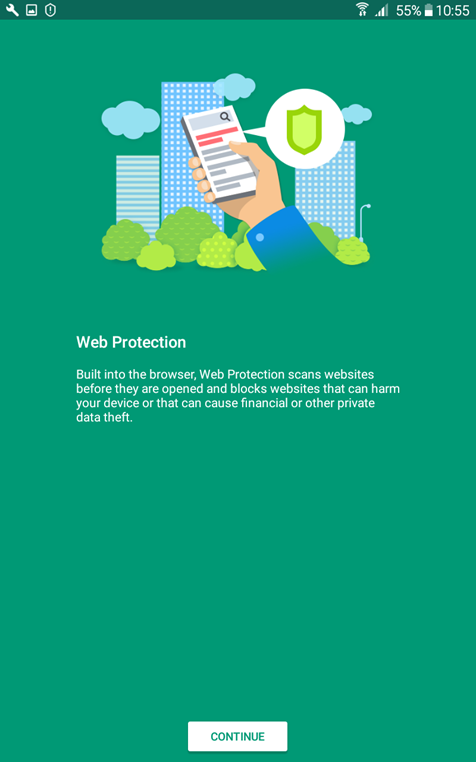
Click on Continue.
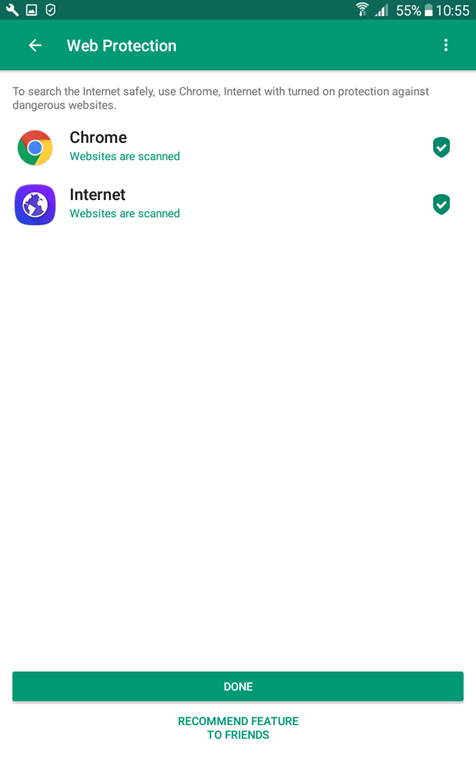
Click on Done.
Comments