 Kurt Sels
Updated :
Kurt Sels
Updated :
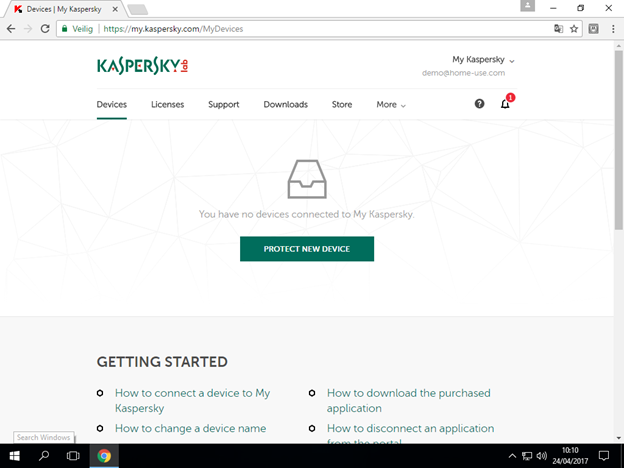
Go to https://my.kaspersky.com/MyDevices and click on Protect New Device.
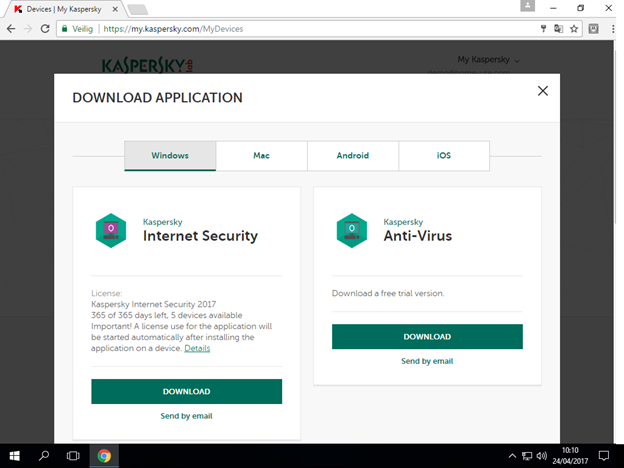
Find Kaspersky Internet Security and click on Download
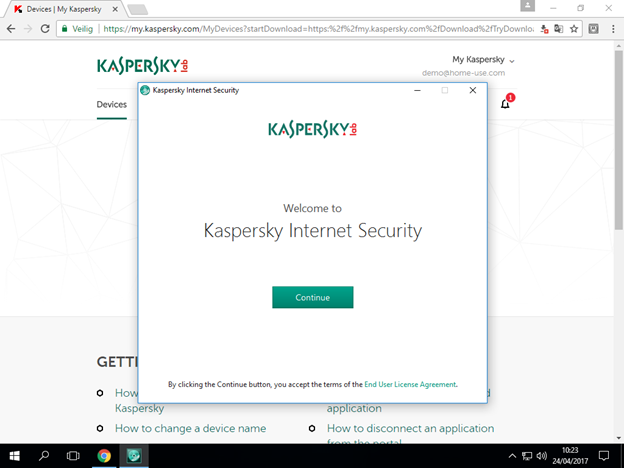
Click on Continue.
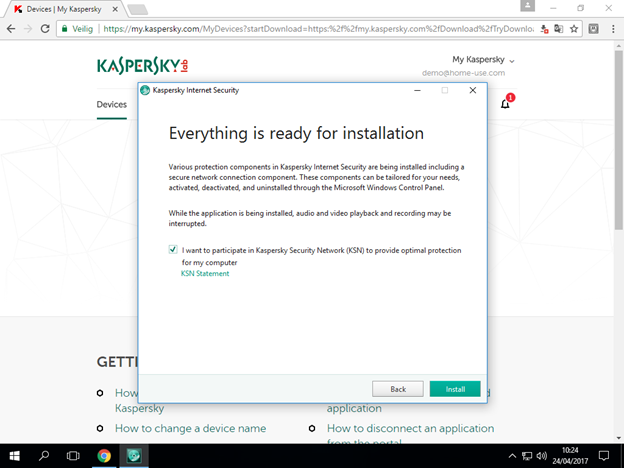
Select the checkbox next to 'I want to participate in Kaspersky Security Network (KSN)' and click on Install.
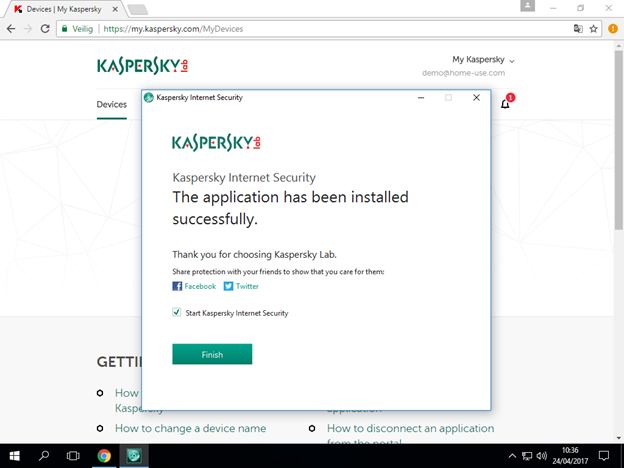
After the installation click on Finish.
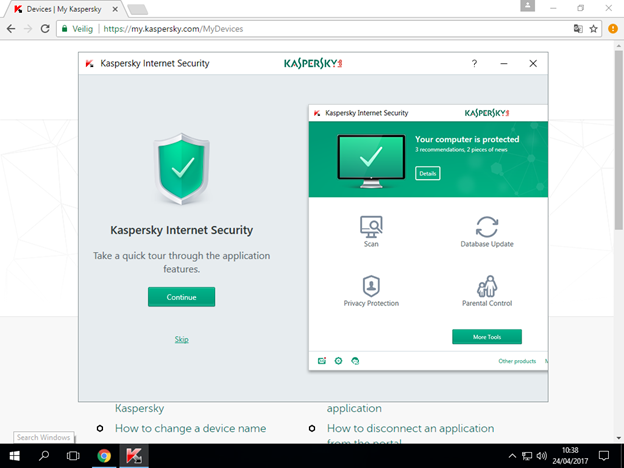
Click on Continue for a short tour or Skip to skip the tour.
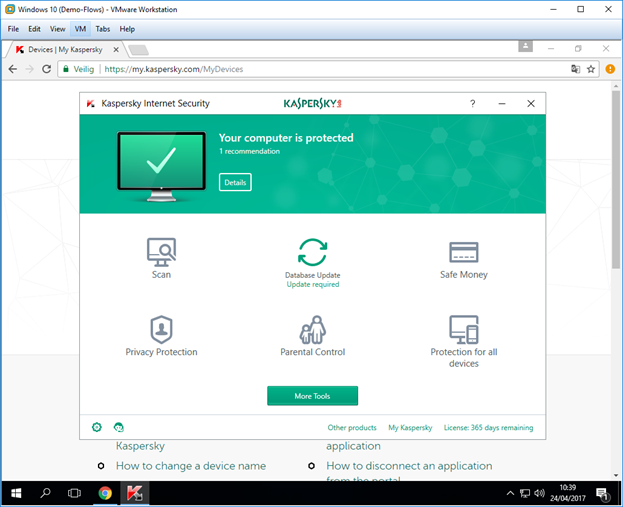
The program has installed.
Comments